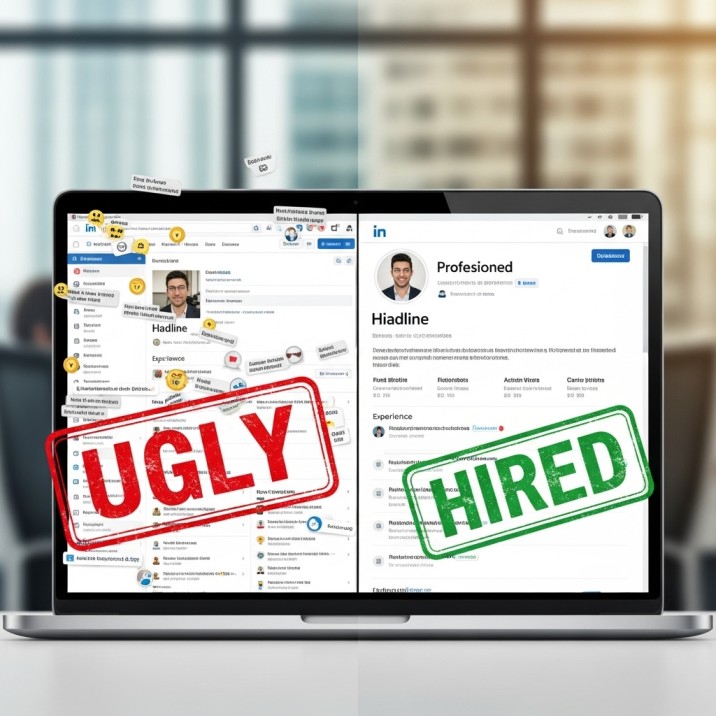
When you send in your resume to a recruiter for a job. What is the first thing they do if they like it or are just curious? They look you up on Google. Your LinkedIn profile is the first thing that comes up.
If they click that link and see a blurry selfie from 2019 with a grey background and the words “Student at University of XYZ,” they will leave. You lost the job before you even got to the interview.
LinkedIn is not a “social media” site. It’s not Facebook for businesspeople; it’s a landing page. You are the product, and if your landing page looks like a scam site from the 1990s, no one will buy it.
This is how to make your LinkedIn profile so that recruiters will actually slide into your DMs (in a professional way, of course).
1. Headline
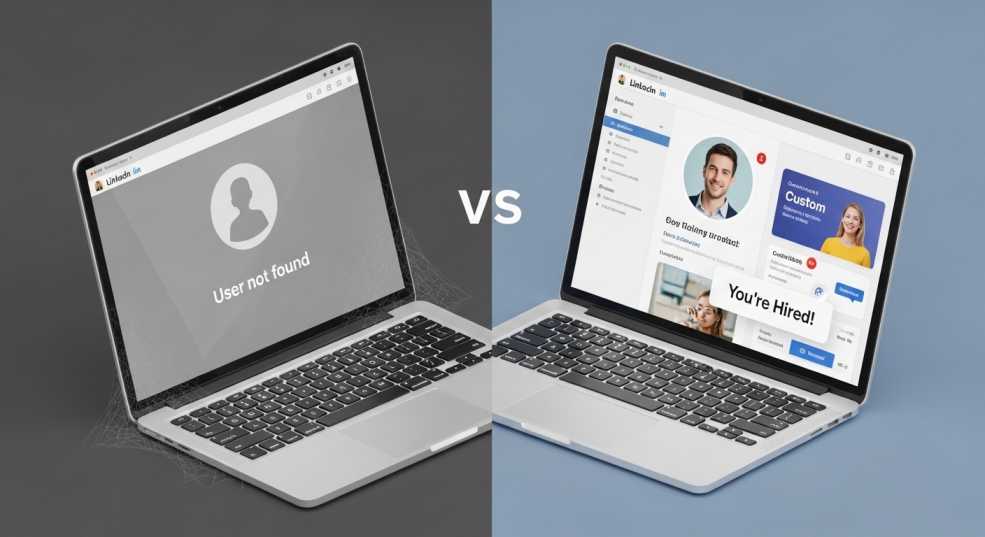
I see this error every day. “Unemployed / Looking for Opportunities,” “Aspiring Data Analyst,” and “Junior Marketing Enthusiast”
Stop it.
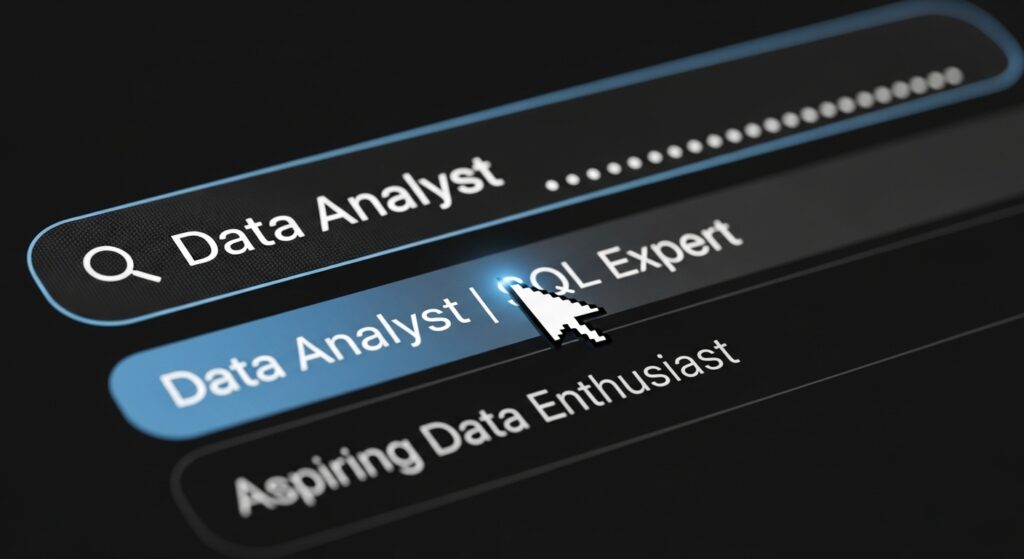
Recruiters don’t look for the word “Aspiring.” They look for “Data Analyst.” Putting “Aspiring” in front of it tells both the algorithm and the person that you are not the thing yet. You are saying that you are not a professional.
The Fix: Use the “Role | Value | Proof” formula.
- Bad: “Student seeking internship.”
- Good: “Content Writer | SEO Specialist | 20k+ Monthly Views Generated for Tech Blogs”
List the skills even if you haven’t had the job title yet. “Python Developer | Django & SQL | Making Backends That Can Grow”
This does two things:
- It hits the keywords that the Recruiter is looking for.
- It shows that you are sure of yourself. Act like you have it until you do? No. Frame it until you get it right.
Similar More: How to Write a Resume That Gets Interviews
2. Profile Photo
If you cut someone else out of your picture (I see that arm floating on your shoulder), get rid of it. Take it down if you’re wearing sunglasses. Delete it if it’s a picture of yourself in your car.
You don’t need to pay $200 for a professional headshot. You need a friend who has an iPhone and a plain wall.
- Look out a window (for natural light).
- Smile (you don’t want to look like a killer).
- Put on a shirt that is all one color.
That’s all. A clear, bright picture can make people click on your ad 14 times more often. It’s all in the mind. We trust people we can see well.
3. Banner
There is a banner behind your profile picture. It is a grey geometric pattern by default.
If you leave this default, it means one of two things:
- You are lazy.
- You don’t know how to use technology.
Neither of them looks good.
Visit Canva. Make an image that is 1584 by 396 pixels. Put something important
- Are you a coder? A piece of clean code or a dark tech look.
- Author? A picture of a typewriter or a laptop and coffee.
- What is the speaker? If you have one, a picture of you on stage.
At the very least, make sure your email address and portfolio URL are in big letters on the banner. Make it easy for them to get in touch with you without having to look for it.
4. About Section
Please, for the love of all that is holy, don’t start with, “I am a hard-working, passionate person who loves to learn…”
Yawn. The recruiter is sleeping.
The “About” section is like a sales letter. You need a hook.
- “I break code and then fix it” is better. For the past three years, I’ve been turning coffee into clean, scalable apps as a Full Stack Dev…
Tell a story.
- Who are you?
- What problem do you solve?
- What have you actually done? (Numbers, again!)
Make sure your paragraphs are short. No more than one or two sentences. People skim on their phones. They won’t read a lot of text.
5. Experience Section
The LinkedIn search algorithm is in your Experience section.
If you worked at “McDonald’s,” don’t just say that. “Flipping burgers” doesn’t matter if you’re applying for a job with a company. But “Training New Hires” and “Customer Service Management” are.
Keyword Stuffing (The Ethical Way): Recruiters search for skills. “Project Management,” “Jira,” “Google Analytics,” “Java.” Make sure these words appear naturally in your job descriptions.
- Instead of: “Used software to keep track of tasks.”
- “Managed daily sprints with Jira and Trello to make sure everything was delivered on time.”
Look at what I did. I put in two words that recruiters look for.
6. Featured Section
This part is mostly ignored by people. This is your secret weapon.
You can put links, PDFs, or posts at the top of your profile.
- Did you write a good article? Pin it.
- Do you have a portfolio PDF? Pin it.
- Did you post a video of a project you built? Pin it.
This is your “Show, Don’t Tell” zone. If you claim to be a designer, but I don’t see any designs in your Featured section, I don’t believe you.
7. Engagement
The algorithm will bury you if you haven’t logged in for six months, even if your profile is perfect.
To show up in search results, you have to be “active.” This doesn’t mean you have to post “inspirational quotes” every day. That’s embarrassing.
The plan is to leave comments for 10 minutes every day. Look for five people in your field who are leaders. When they post, leave a well-thought-out comment.
- Don’t say, “Great post!” (That looks like a bot).
- “Interesting point about X,” write. I’ve seen that Y is also becoming popular because…
When you leave a comment, your headline appears in the feed. It’s free advertising. Recruiters see your smart comment, get interested, and click on your profile.
Other: 12th Pass के लिए सरकारी नौकरी
8. Open to Work
A topic that people disagree on. Some “experts” say the green “Open to Work” photo frame makes you look needy. Some people say it makes it easier for recruiters to find you.
In my opinion, if you’re already working and looking for a new job, Clearly, don’t use it. In the backend, choose the “Open to Work (Recruiters Only)” option.
If you don’t have a job? Use it. Let go of your pride. It lets the network know that you are ready to go right away. This is how recruiters narrow down their search because they want someone who can start right away, not in three months. In 2026, the “desperation” stigma is mostly gone.
Your Next Steps
Check out the URL for your public profile. Is it like this: linkedin.com/in/john-doe-2938475b9?
Take care of that. Change your URL in settings to just linkedin.com/in/johndoe or as close as you can get. Add that clean link to your resume. It looks like a business.
FAQs
Q: But I’m a student. Why can’t I write “Aiming to be a Marketing Manager”?
A: Because no one wakes up and types “Aspiring” into the search bar. They write “Marketing Manager.” If you call yourself “Aspiring,” you’re telling the search engine to ignore you. You’re not lying by taking it out; you’re just showing off the skills you already have. You are an entry-level professional, not just a “enthusiast,” if you know the basics.
Q: Is the background banner really important? It seems like it’s just for show.
A: It matters because it’s a free place to advertise. You look like a robot or someone who doesn’t know how to use a computer if you leave it grey. It’s not necessary to be a graphic designer. Put your email address and title on a nice background. Don’t make it hard for a recruiter to find your contact information if they like your profile. Put it right in front of them.
Q: I don’t like posting on social media. Do I really have to do things?
A: You don’t have to make cringy videos or write 500-word essays. But you can’t be a ghost. If you haven’t done anything in three years, I might think you don’t even check your messages. Take five minutes a day to comment on other people’s work. It shows that you are alive and working in your field.
Q: Honestly, does the green “Open to Work” frame make you look desperate?
A: Stop paying attention to career experts from 2015. Speed is important in 2026. The green frame is great for recruiters because it says, “I can interview this week and start next week.” Put it on if you don’t have a job. If you have a job and are sneaking around, you shouldn’t use it at all (unless you use the “Recruiters Only” setting).
Q: My job title was strange, like “Happiness Ninja.” Is that something I should post on LinkedIn?
A: No. Make it the same as what everyone else in the industry does. If “Happiness Ninja” really meant “Customer Success Manager,” put “Customer Success Manager” on your profile. If you want, you can put the strange title in brackets, but you need the normal words so the algorithm can find you.
Q: Is it worth it to pay for LinkedIn Premium to look for a job?
A: Only if you plan to message people. You won’t get the job just because you have a shiny gold badge. But being able to send a direct message to a hiring manager (InMail) does get you hired. You are wasting money if you buy it and then sit there.